The Cheapest Terabyte Is the One You Don’t Store
Are you paying to store integration data that nobody needs anymore?
When organisations look to reduce storage costs, the first question is often: Can we store this data more cheaply?
But there is a better question: Do we need to keep all this data, and for how long?
Many IT environments retain data longer than necessary, often because default settings have never been reviewed. Yet different types of information have different requirements.
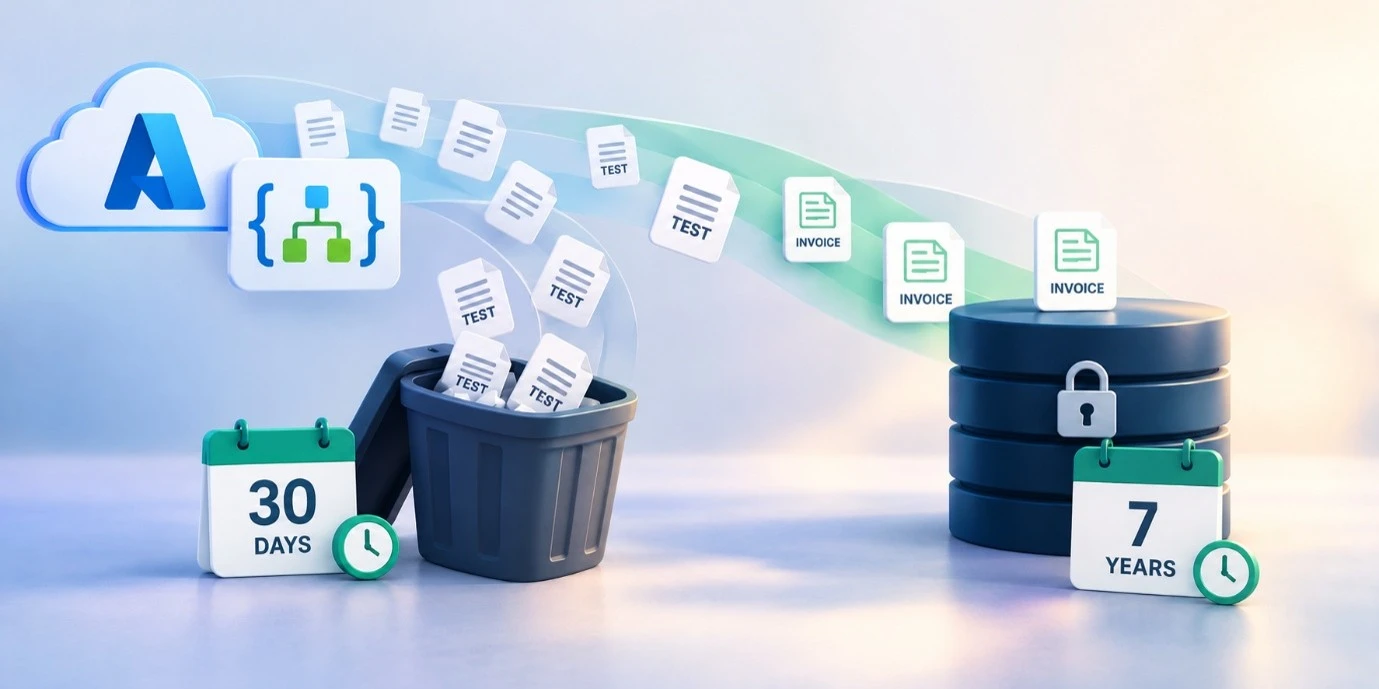
An invoice may need to be retained for seven years, depending on applicable regulations. A test message from last week’s deployment probably doesn’t.
Applying the same retention period to both creates unnecessary costs. A few euros per month may seem insignificant, but across hundreds of integrations, those costs add up.
What does this mean in Azure Logic Apps?
Consider an environment processing one million workflow runs per month, with 15 activities per run and an average combined input/output payload of 100 KB per activity.
Using an illustrative storage rate of $0.12 per GB-month, the estimated monthly storage costs are:
- 7-day retention: approximately $40
- 30-day retention: approximately $172
- 90-day retention (Azure default): approximately $515
That’s nearly 13 times the estimated storage cost when retaining run history for 90 days instead of seven days.
These are illustrative calculations, not actual Azure prices or guaranteed savings. Actual costs depend on workload, storage operations, configuration, region, pricing agreements and other Azure services.
How Nodinite can help
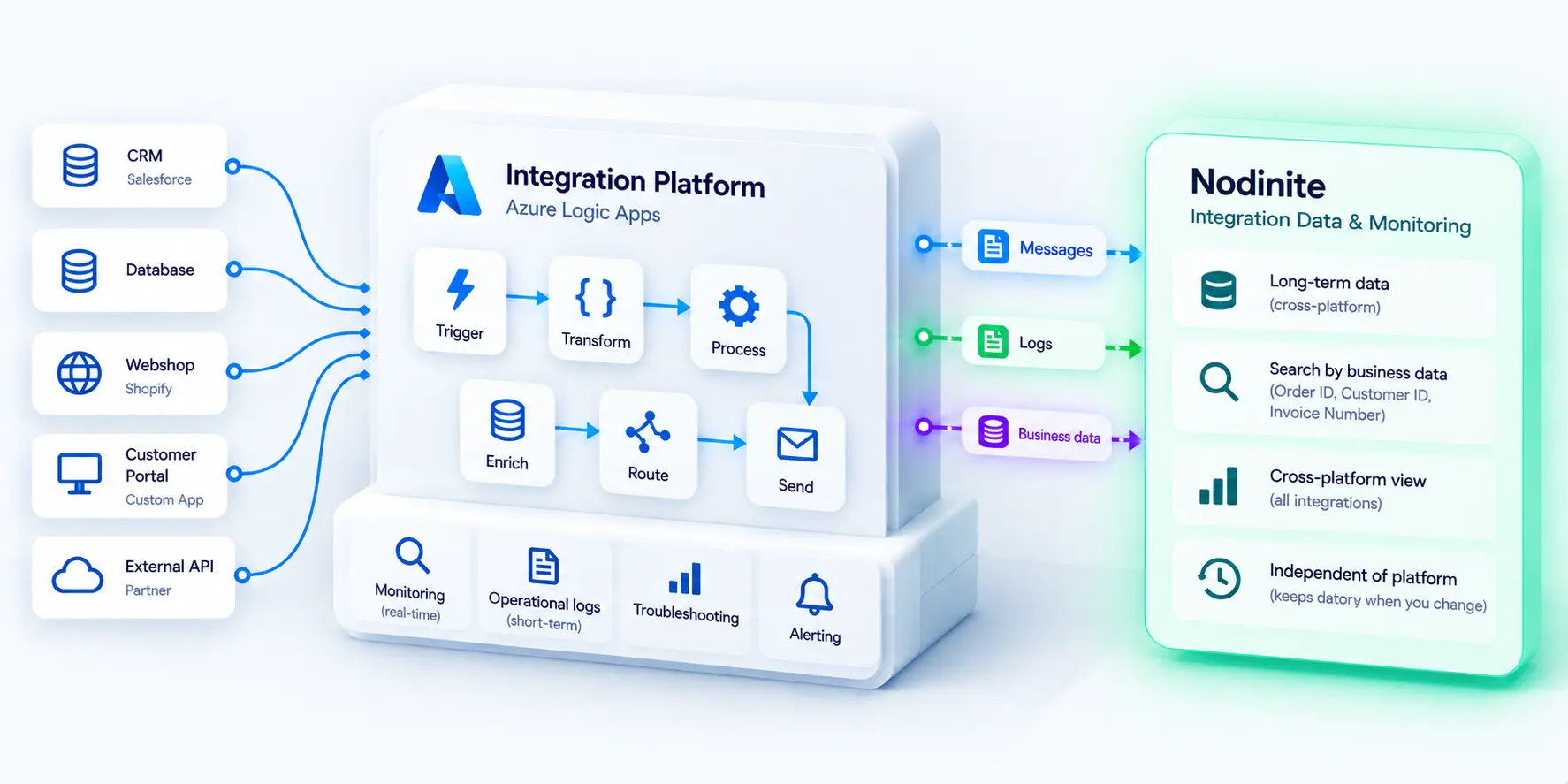
Nodinite allows you to apply retention policies based on Message Types, keeping important integration data for as long as required.
For example, you could retain invoice messages for seven years and test messages for 30 days, without changing the Logic App’s business logic once the required Nodinite logging integration is configured.
With Nodinite capturing and managing the required long-term integration history, Azure run-history retention can potentially be reduced to 7–14 days, provided this meets your operational and compliance requirements.
Before reducing Azure retention, verify that Nodinite successfully captures the information your organisation needs for troubleshooting, auditing and long-term traceability.
One practical action this week
Review the retention settings in your Azure Logic Apps environment.
Was the retention period deliberately chosen, or is it simply the default?
Could some workflows use shorter retention periods while business-critical integration data remains available in Nodinite?
A small configuration review could reveal an opportunity to reduce costs while keeping the information your organisation actually needs.
The principle is simple: Keep data for as long as necessary, but no longer.
Want to understand what this could mean for your environment? Get in touch with us at Nodinite, and we can take a look at it together.