What Happens to Your Integration Data When the Platform Changes?
When an integration runs on a platform, it is natural to let that platform keep the history too.
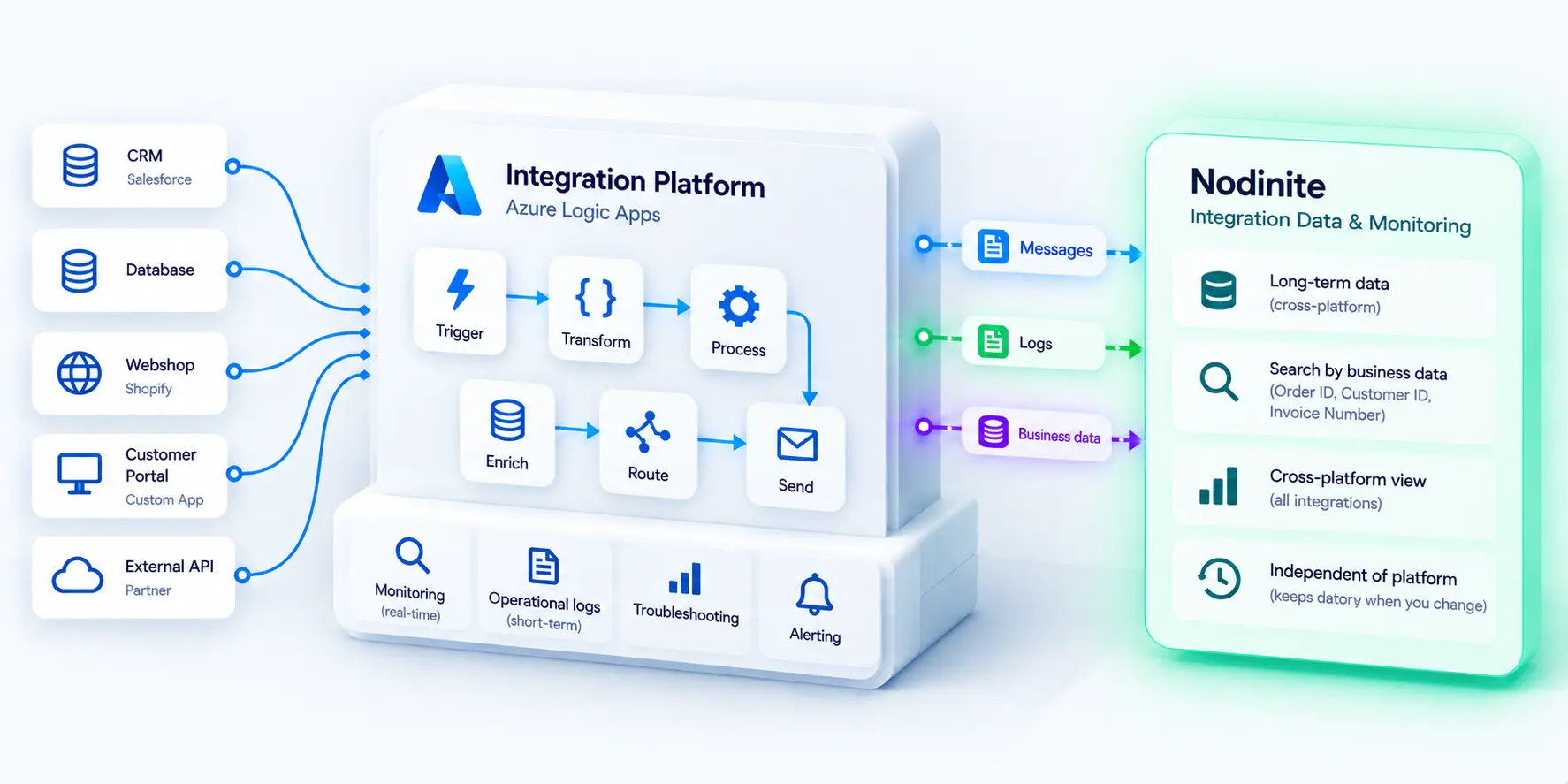
Azure Logic Apps runs the workflow, so its operational data stays in Azure. Another platform runs another integration, and its history stays there.
That works well while everything remains as it is.
But integration landscapes rarely stand still. Platforms are upgraded or replaced. Workloads move between cloud services. Applications are retired. Organisations merge systems and introduce new technologies.
When that happens, an important question appears: What happens to the integration data you may still need?
Running an integration and retaining its data are different jobs
There is a useful distinction between operational data and historical data.
Operational data helps teams understand what is happening now. Did the integration run? Did it fail? Where is the problem? It needs to be available quickly for monitoring and troubleshooting.
Historical data serves a different purpose.
Months or years later, someone may need to know what happened to a particular order, invoice or customer transaction. The original integration may have changed several times since then, and it may even be running on a completely different platform.
If the history exists only inside the platform that originally processed the transaction, accessing it can become increasingly difficult.
The problem becomes clearer when platforms change
Imagine an order integration that runs on one platform today.
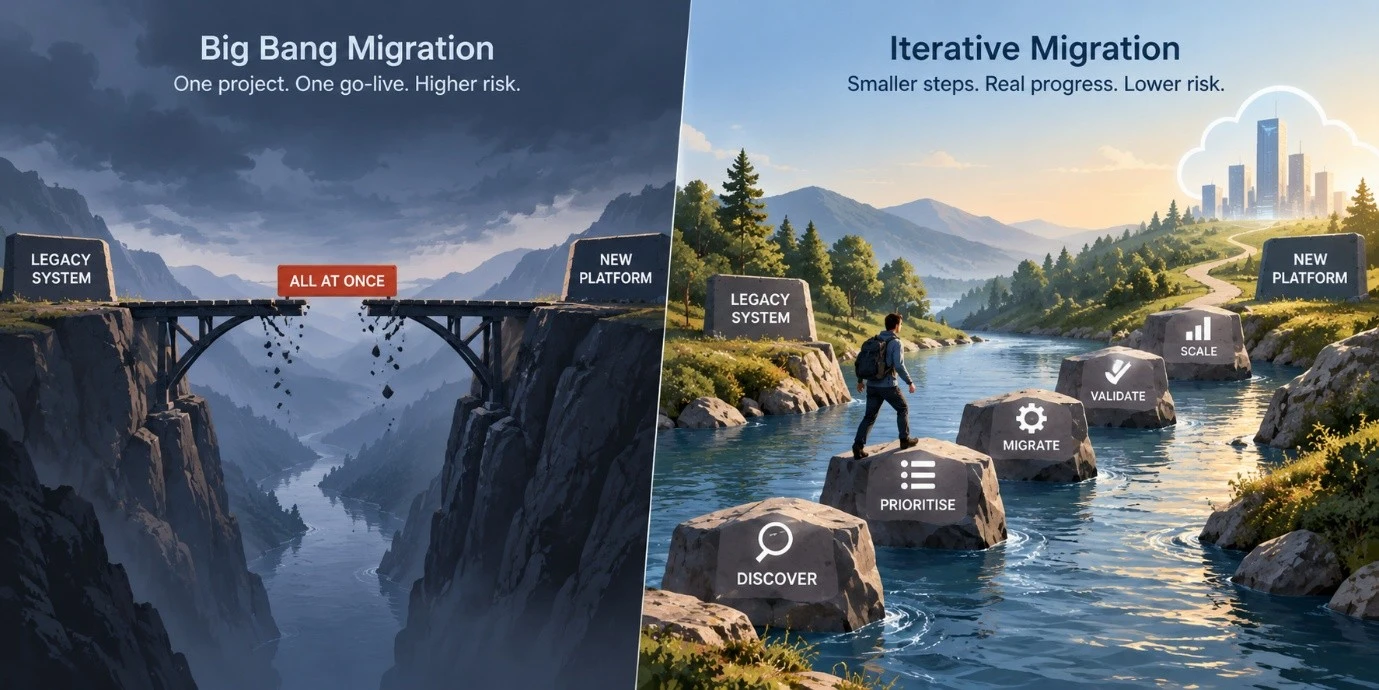
Two years from now, the organisation moves that integration to another technology. The new platform works well, but a customer asks about an order processed before the migration.
Where do you look?
Ideally, the answer should not depend on remembering which technology happened to process that order at the time.
The same applies when investigating incidents, responding to audits or answering questions from the business. People usually want to search using information they understand; an Order ID, Customer ID or Invoice Number, rather than first working out which integration platform contained the transaction.
There is also a knowledge risk
Technology is only part of the problem.
Many organisations still depend heavily on individual knowledge. An experienced architect or integration specialist may know where historical information is stored, which system replaced which, and how to find transactions from several years ago.
But people change roles, projects and employers.
A sustainable integration landscape should therefore preserve important operational knowledge in systems rather than relying on someone remembering where to look.
This is not about replacing expertise. It is about making that expertise available to the organisation.
Where Nodinite fits
This is one reason organisations use Nodinite as a central point for integration monitoring and long-term access to integration data.
Instead of treating each integration platform as the only place to investigate what happened, Nodinite can provide a common view across different integration technologies. Relevant business information can be associated with logged messages, making it possible to search using identifiers such as an Order ID, Customer ID or Invoice Number.
This becomes particularly useful in heterogeneous environments, where integrations may run across Azure, on-premises platforms and other technologies.
The underlying principle is simple: the platform that runs an integration today does not necessarily need to be the system that preserves its history for tomorrow.
That separation can make it easier to change technology without also losing access to the operational history that came before it.
Three questions worth asking
Take a transaction from a year ago and consider:
Could your team find it today without knowing which platform processed it?
Would you still be able to find it after that platform was replaced?
Does finding it depend on a system or on someone remembering where to look?
Integration platforms will continue to change. The integration data you rely on should remain accessible when they do.