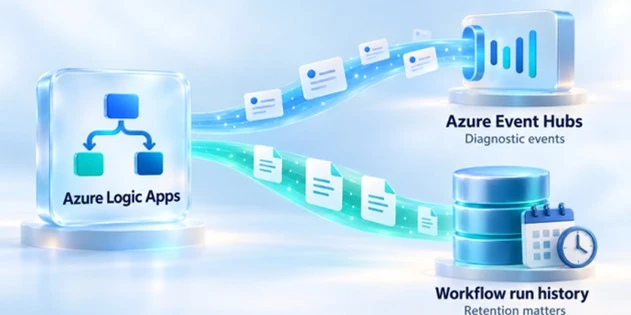
Azure Logic Apps Monitoring Costs and Run History Retention
Azure Logic Apps monitoring and logging costs can be spread across workflow run history, Azure Event Hubs and additional logging destinations.
Before changing your configuration, identify which services generate the charges and which data you need to retain.
Run-history retention is one setting worth reviewing. A shorter retention window can reduce retained data, but the effect on your bill depends on your hosting model, workload and storage charges.
Diagnostic events and run history serve different purposes
Diagnostic events describe workflow activity, including triggers, actions and their status. They can be sent through Event Hubs to tools such as Nodinite. Workflow run history stores execution details, including action inputs and outputs.
These are separate data paths with separate retention settings.
Reducing Event Hubs usage or retention does not automatically reduce the run history stored by Logic Apps.
Locate the charges for your hosting model
For Consumption Logic Apps, run-history storage consumption is billed with the Logic App. For Standard stateful workflows using Azure Storage, storage charges appear separately and include storage operations as well as retained data. Shorter retention does not eliminate the transactions needed to execute workflows.
Use Azure Cost Management to identify the relevant charges. Include any additional destinations, such as Log Analytics, Application Insights or diagnostic storage, where configured.
Understand what a shorter retention window changes
The default run-history retention is 90 days for Consumption and Standard stateful workflows. Consumption retention is configured under Workflow settings. Standard uses application and host settings, including the retention period and cleanup schedule.
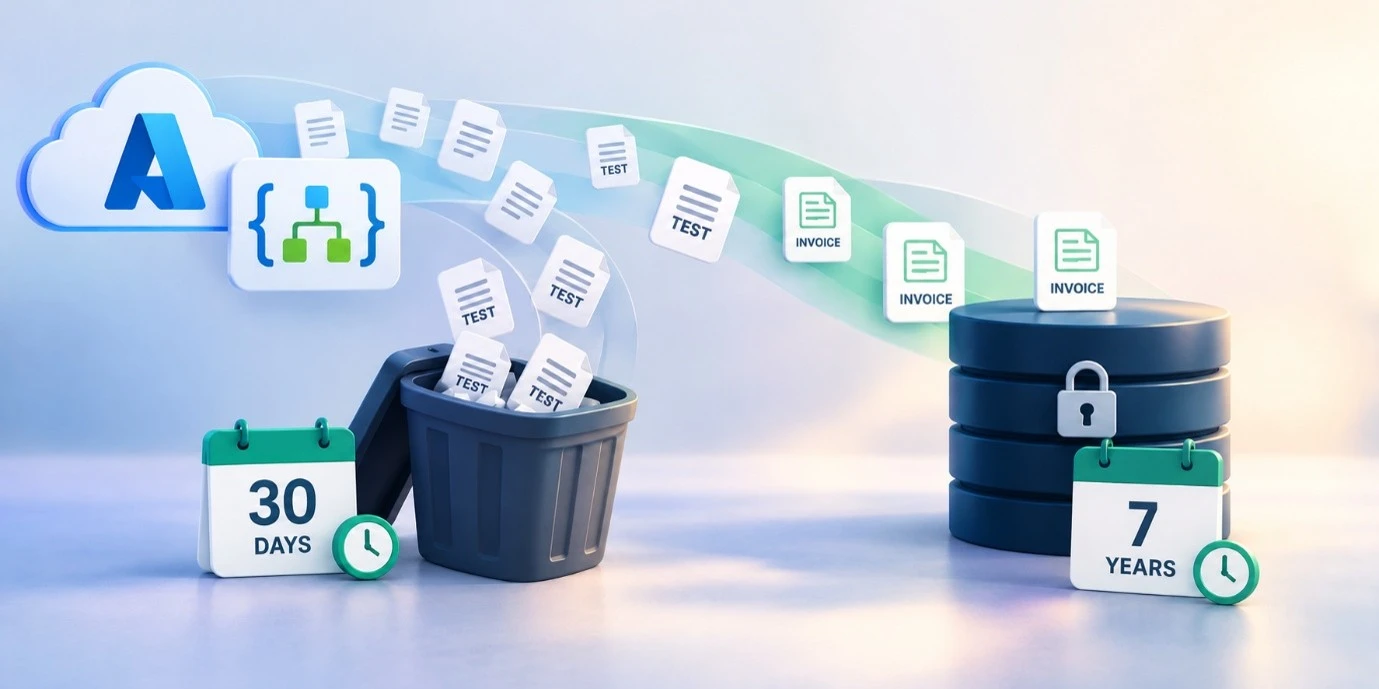
As a simple illustration, a workload generating a steady 10 GB of retained data per day would accumulate approximately 900 GB over 90 days, compared with 300 GB over 30 days once the new window is fully reflected.
This calculation excludes overhead and cleanup delays; it does not represent an equivalent reduction in the total Azure bill.
Before shortening retention, check troubleshooting needs, business requirements and the longest-running workflows. The retention window must accommodate workflow duration. Existing runs retain the policy that applied when they started, so a change does not immediately remove all older history.
How Nodinite supports selective retention
Nodinite receives Logic Apps diagnostic events through Event Hubs and retrieves execution details through Azure APIs. Configurable logging filters determine which events and payloads are retained, while Message Type settings control retention in Nodinite.
This lets organisations keep selected integration data for longer while considering a shorter Azure run-history window.
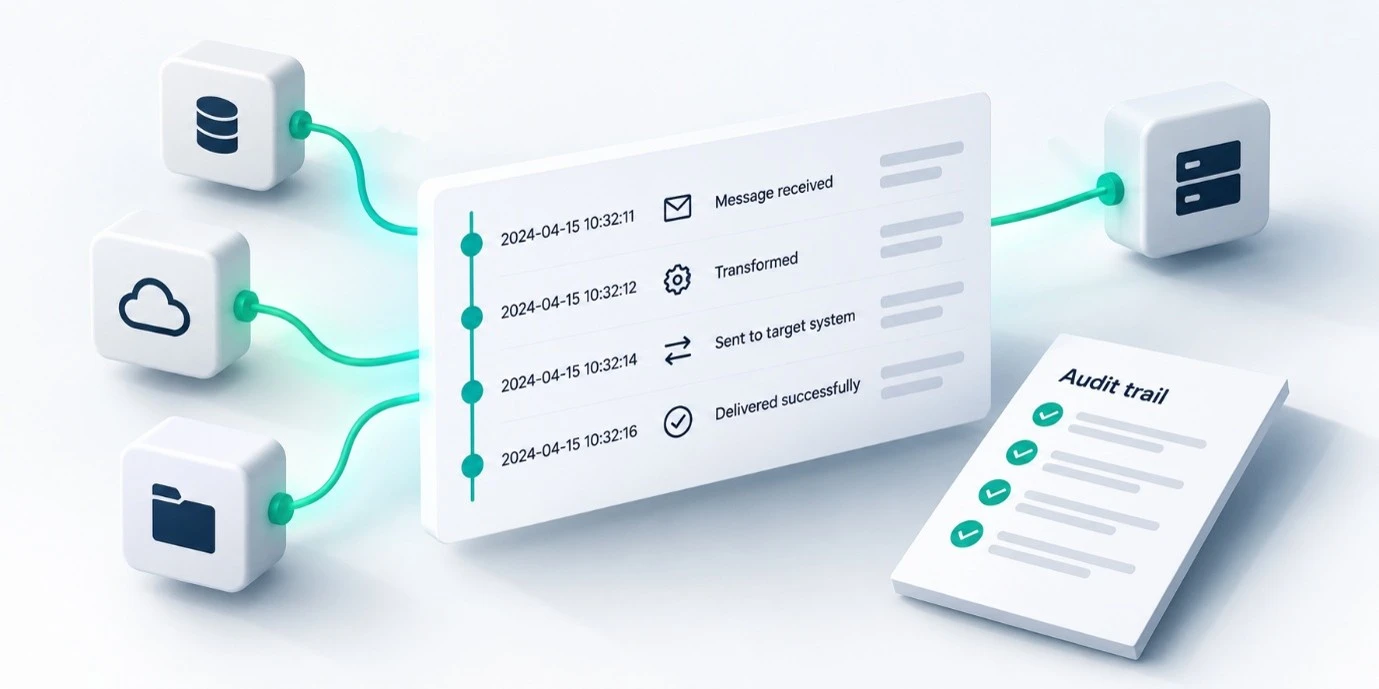
With configured Search Fields and role-based Log Views, authorised users can find logged transactions by business identifiers, such as an order number.
Verify that Nodinite collects the required data before Azure deletes it, allowing for collection delays and outages. Selected logging does not preserve every native troubleshooting detail. Any cost comparison should include Nodinite licensing, infrastructure and storage.
What to check before changing retention
Choose one business-critical integration and ask:
- Identify your hosting model and review actual Azure charges.
- Separate run-history storage, storage transactions, Event Hubs and additional logging destinations.
- Define the history needed for troubleshooting, long-running workflows and business requirements.
- Verify Nodinite collection, logging filters and retention settings.
- Adjust Azure retention where appropriate, then measure costs over time.
Review run-history retention alongside actual charges and the data already retained in Nodinite. Use that evidence to choose an Azure history window that meets your operational needs.
Want to explore this for your environment? Book a Nodinite demo focused on Logic Apps logging and retention.
Sounds interesting and want to learn more? Further Reading: Logic Apps logging and retention.