Should AI Write Your Integration Documentation?
Suppose someone asks you how a flow works. It may be a change request, or a migration date that suddenly got real. You open the documentation, and it describes the flow as it looked two years ago.
You are in good company. We interviewed 57 organisations. Of the 23 who judged their integration documentation, only 2 called it current. 4 called it partly current, and 17 called it outdated, scattered or poorly kept.
That says more about integration than about the people doing it. Flows change every week. Someone adds a subscriber, someone tweaks a filter. Nobody has time to update the document, so it falls behind. When the question finally comes, the answer sits in a technical export, an old diagram, or the head of one busy colleague.
I don’t know a team that has fully solved this. But I see three approaches being tried.
Approach 1: Write it down, better
A wiki, SharePoint, an architecture tool. Easy to start, and you get a nice overview. The trouble is the upkeep. Nothing links the document to what is actually running, so it goes stale unless someone feeds it by hand. The blocker we hear most is the upkeep, not the first draft.
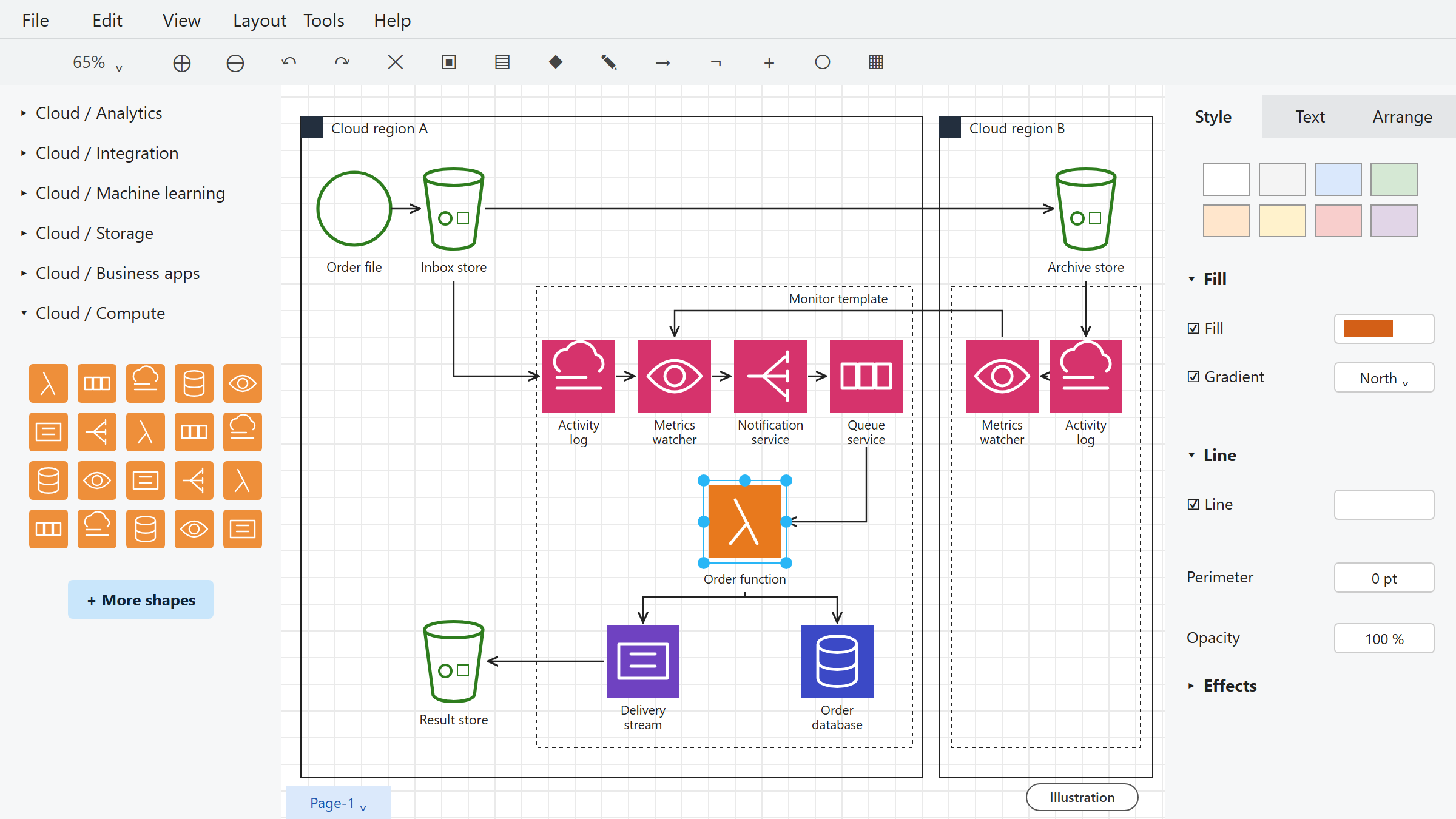
A landscape drawn by hand is clear to read, and only as current as the last time someone updated it.
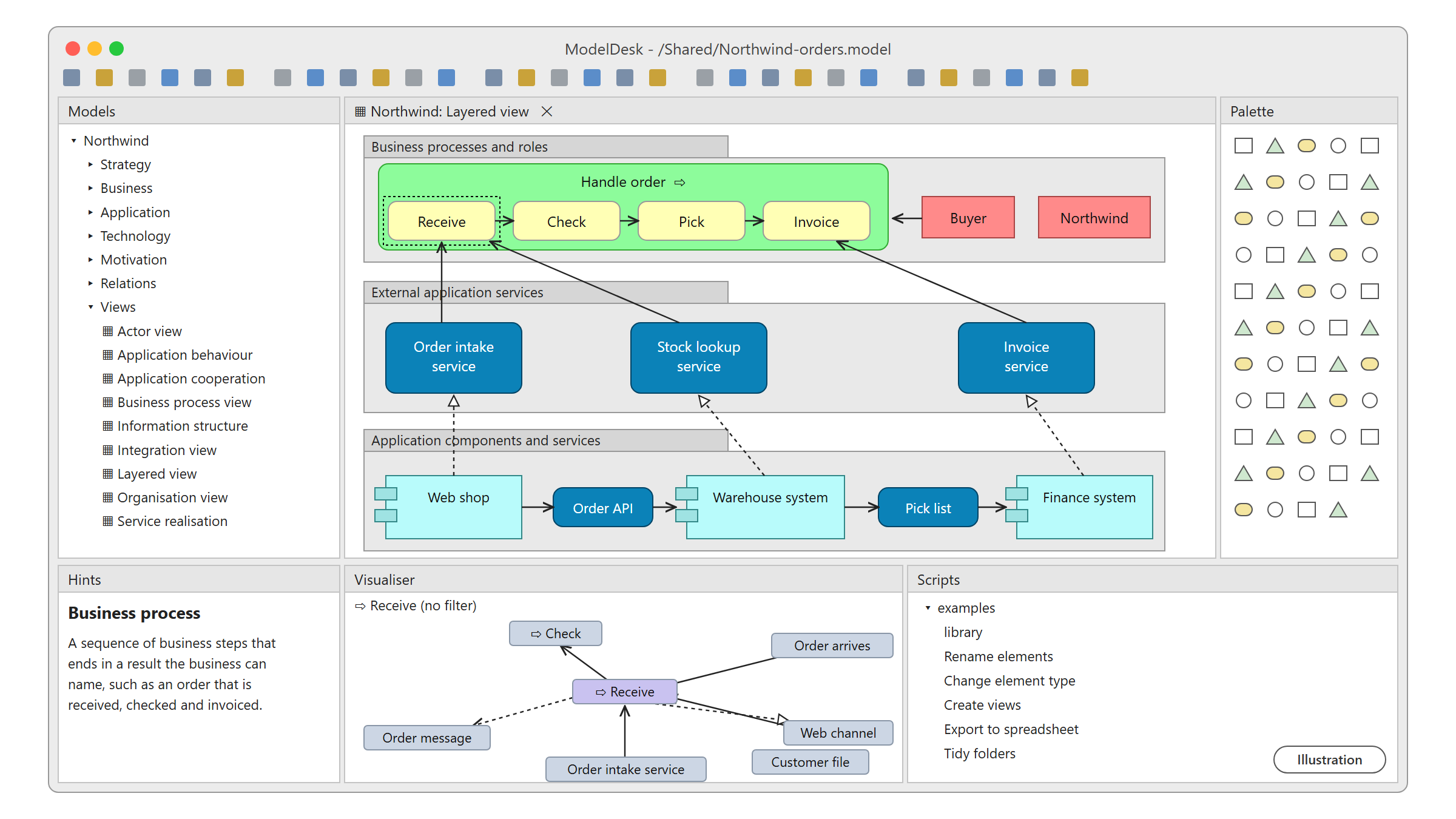
A layered model kept by hand links business steps to the systems behind them, as long as someone keeps it in step.
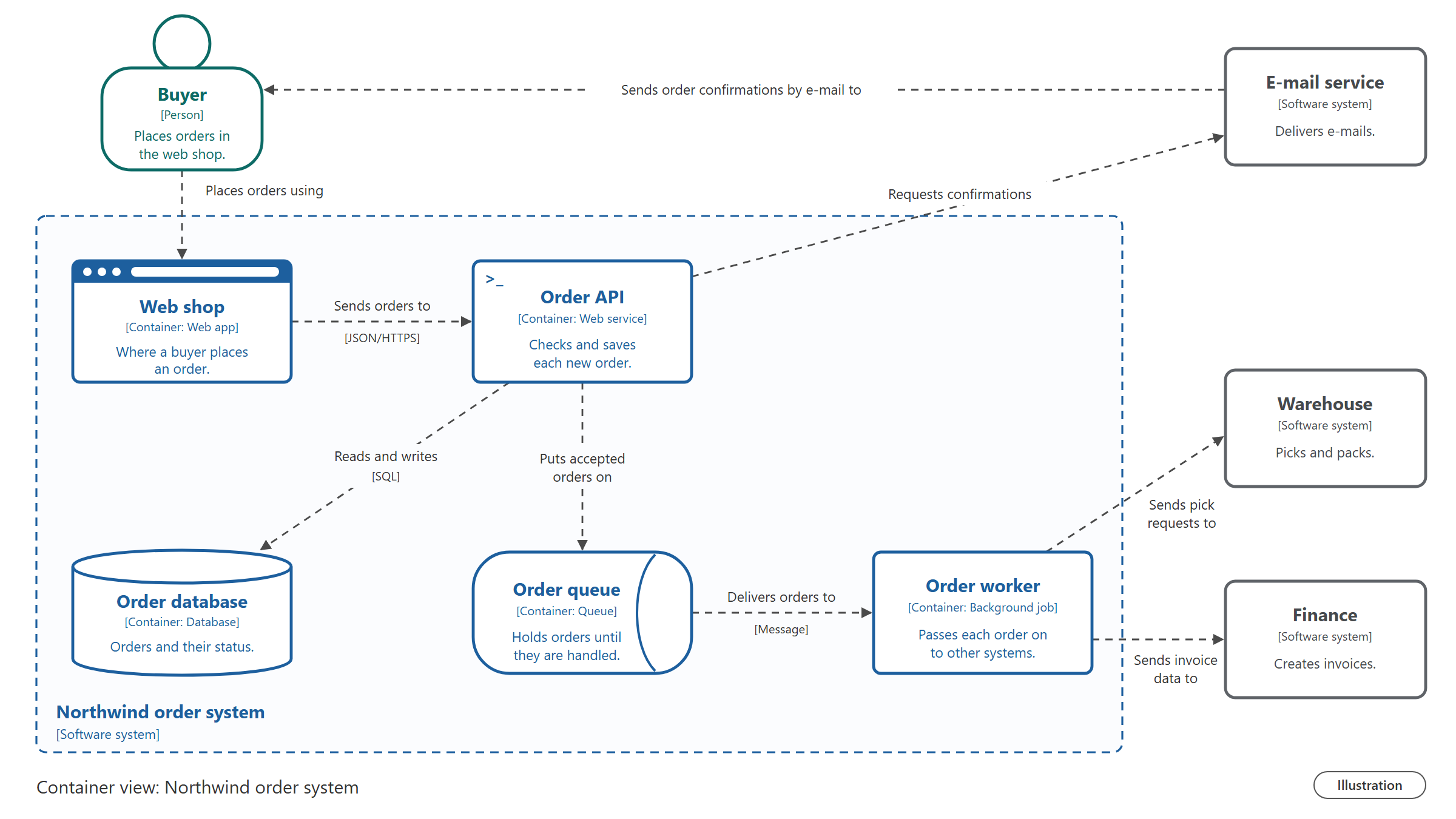
A container diagram drawn by hand shows one system and its parts on the day it was drawn.
Approach 2: Let AI write it
Most people expect me to say this one. Point an AI at your estate and ask it to explain. It is fast and it reads well.
Two things hold it back. Many companies don’t allow integration data to go to a language model at all. And even a model you run yourself can answer a little differently each time you ask. That is fine for a summary. It is risky when you are about to rebuild a flow the business depends on.
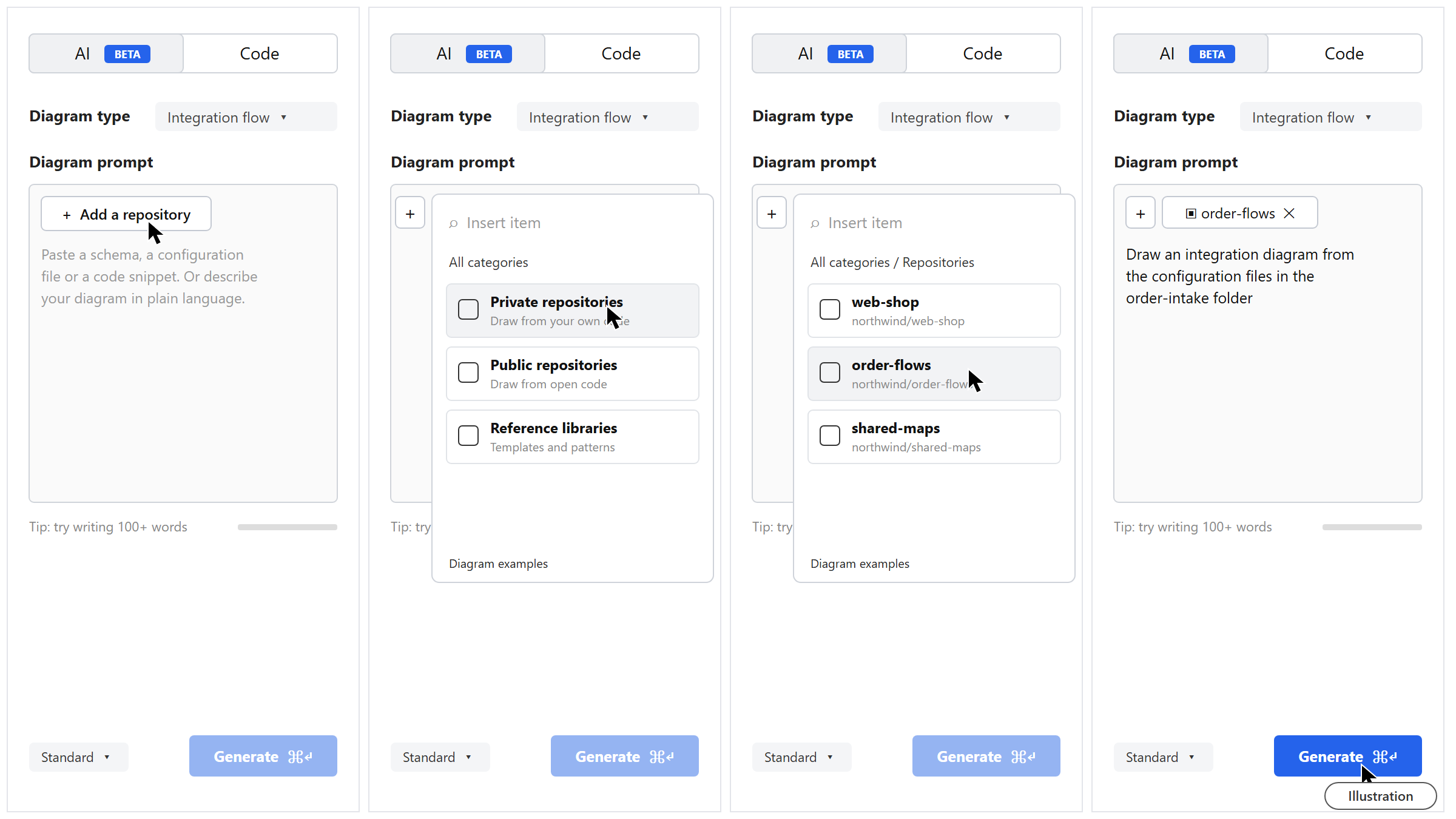
An AI can draw a picture straight from the configuration, but the code has to be shared with the tool first.
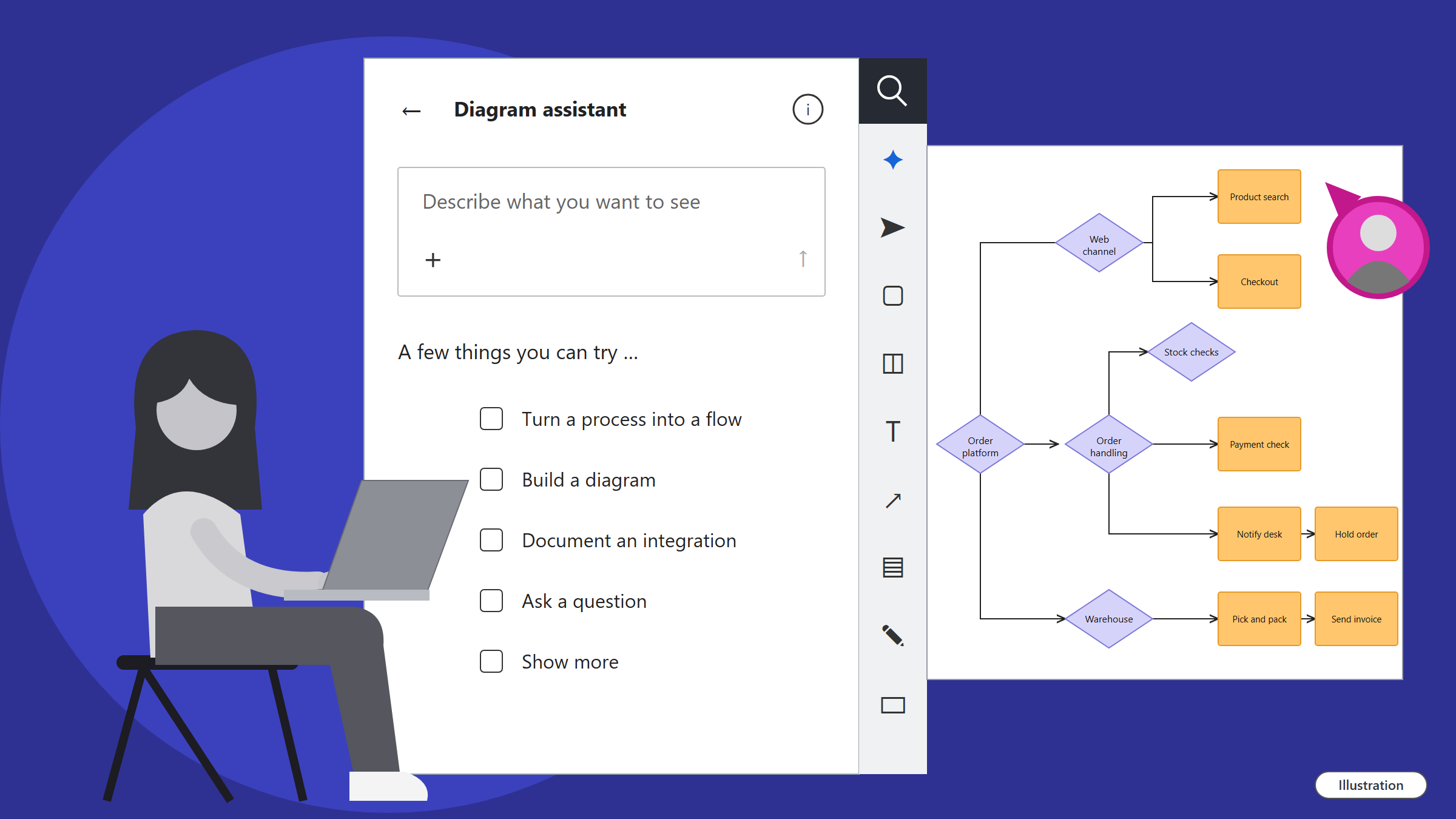
An AI turns a plain-language request into a flowchart in seconds, and the same request can give a different chart next time.
Approach 3: Let the platform describe itself
The third approach reads the integration platform directly and writes down what is really configured. It gives the same answer every time, and when the flow changes, you run it again and the description follows.
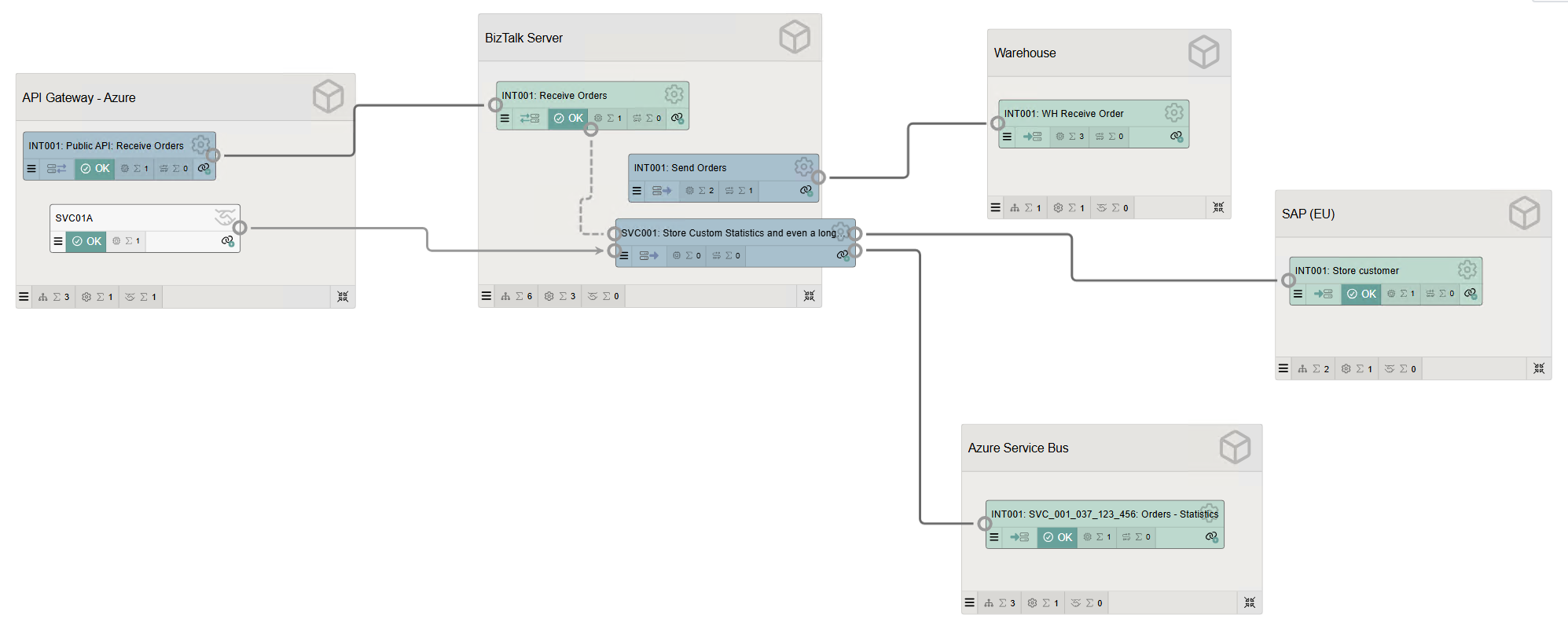
Documentation kept inside the platform it describes: an integration landscape in Nodinite’s Repository, with the systems, their services and how they connect.
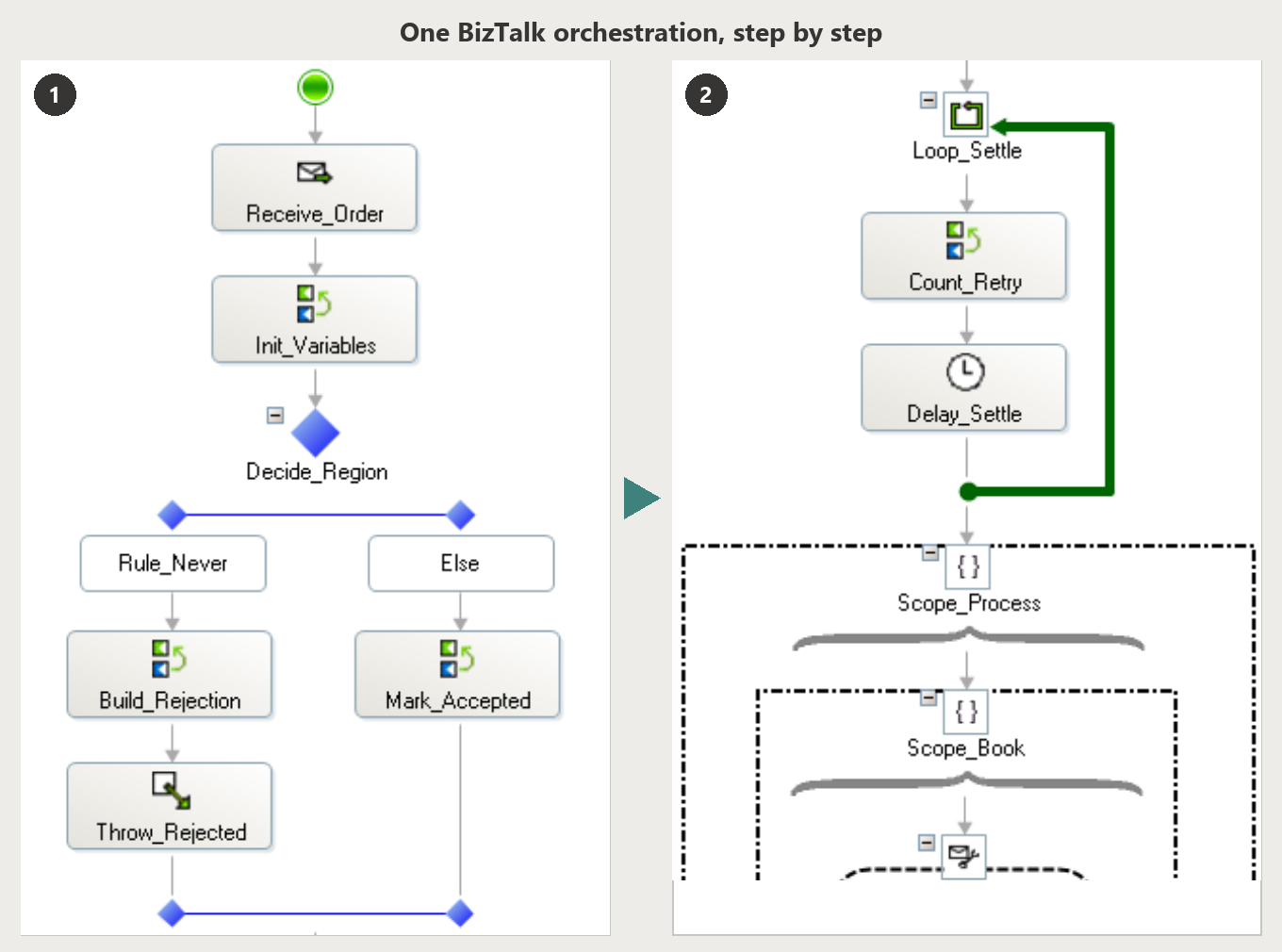
The steps inside one BizTalk orchestration, drawn from the orchestration itself. Read column 1, then column 2.
One customer is testing this with us now, using what is already in Nodinite. We took one of their BizTalk flows and generated a flow record for it: where messages come in, who subscribes to them, which filter sends each message where, and every way out. (If you use Nodinite with BizTalk, this record is called an Article, and it can be generated from your BizTalk configuration.) A diagram is drawn from the same data.
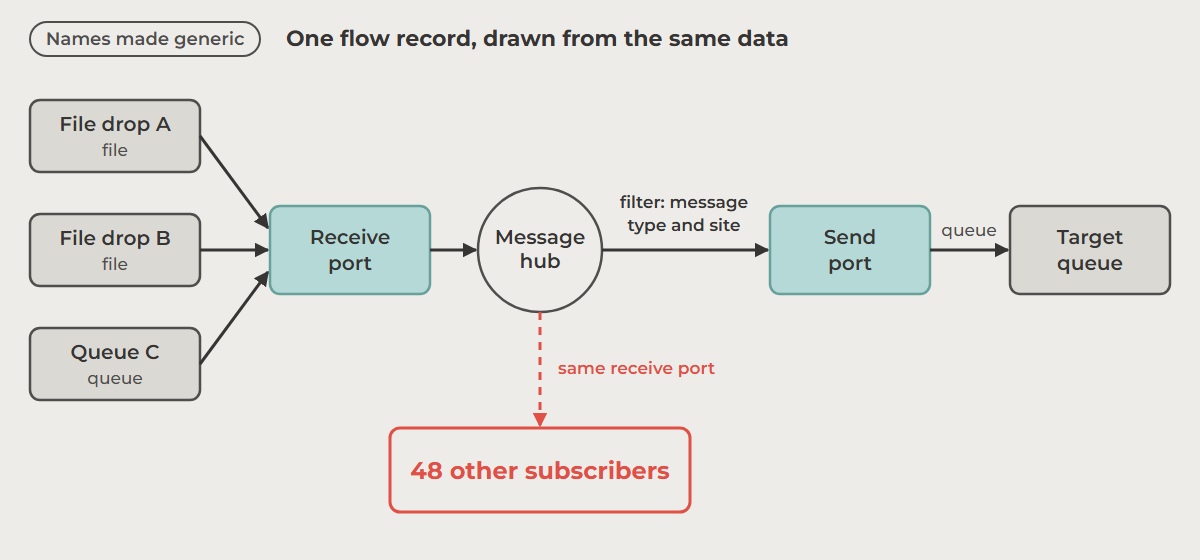
The flow record as a diagram, redrawn with generic names: what comes in, the filter, the way out, and 48 other subscribers on the same receive port.
The first surprise was the size of a “simple” flow. One way in. On that same receive port, 48 other subscribers. Nobody draws that by hand, and it is exactly what breaks in a migration.
Where AI fits
I like AI. It does its best work when it starts from facts it can trust. A flow record that gives the same answer every time is that kind of fact, for your team and for any AI you use later.
As the architect, you can understand a flow you didn’t build without waiting for the person who did. If you own the budget, you plan the migration on what is really there.
Your turn
How does your team keep its integration documentation current?
This week, pick one flow and check its documentation against what is running: where messages come in, who subscribes to them, which filter sends each message where, and every way out.
Further reading: Integration Landscape in the Nodinite Repository
Michael Olsson, Nodinite