Mapify
Introducing interactive, dynamic dependency visualization and actionable insights for your integration landscape with Mapify
Mapify turns complex integration landscape into a living, interactive map that anyone can understand immediately. From architects to support and business stakeholders.
With Mapify, you see every dependency, relationship, and business process in one intuitive, navigable graph that connects technical monitoring with domain‑driven insights.
Features Overview
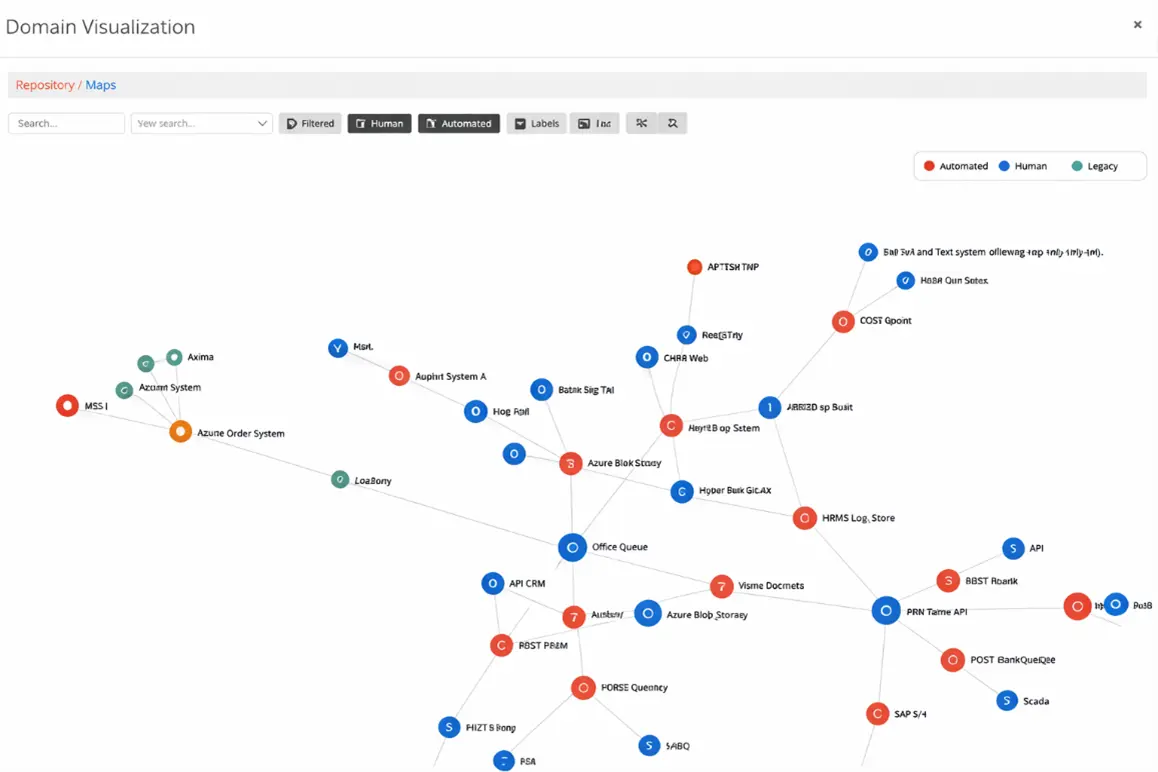
Mapify is Nodinite’s next‑generation visualization extension that renders all Monitoring and Repository Model entities into an interactive 2D/3D graph.
Viewers instantly grasp how agents, applications, categories, resources, and custom metadata are connected. You can filter for specific slices of your environment, generate reports around those views, and trigger remote actions directly from the map to resolve issues faster. It also integrates domain knowledge from BPM.
Viewers can see which processes belong to Sales, Warehouse, Customers, and more. This connects technical flows to business responsibilities and outcomes.














Instant Visual Understanding of Your Entire Landscape
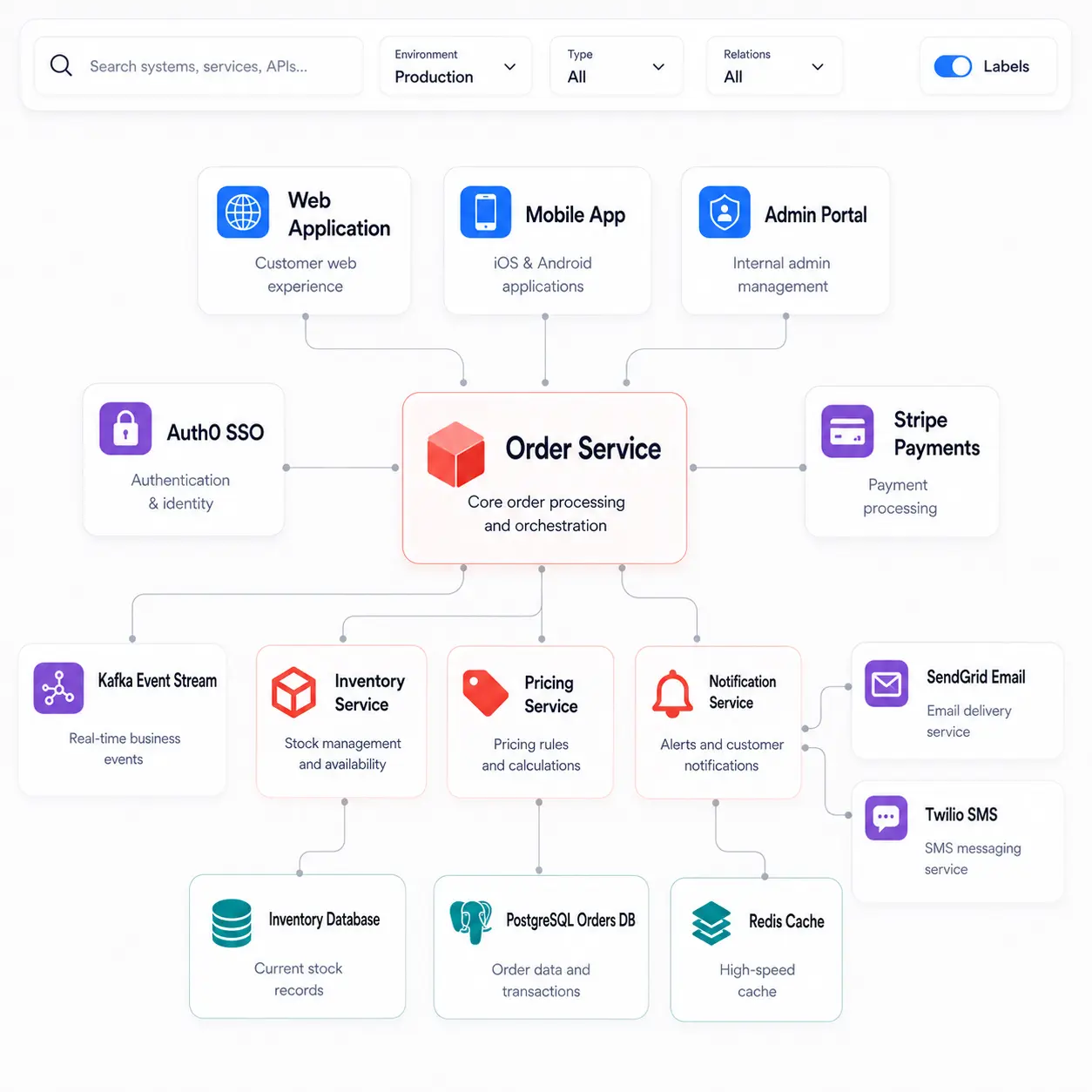
With Mapify, you no longer need dozens of separate diagrams or spreadsheets to understand how systems, integrations, and services relate. The interactive graph automatically surfaces all dependencies across your Nodinite environment in a single visual view.
Teams can quickly orient themselves on the big picture, spot tightly coupled components and see how changes in one part of the landscape ripple through others. This reduces onboarding time and helps architects validate designs, while operations teams gain a shared mental model everyone can navigate.
Real‑Time, Actionable Dependency Insights
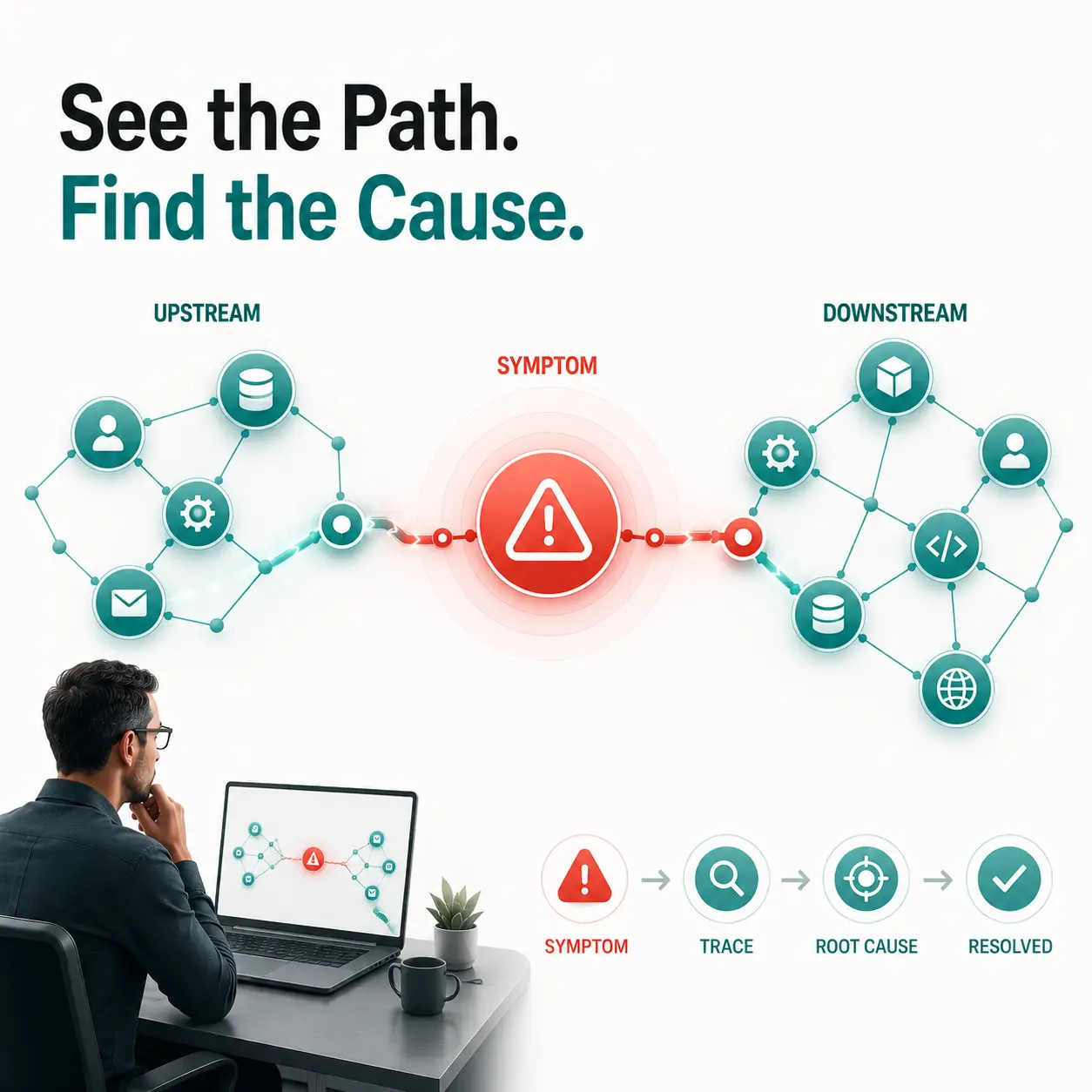
Mapify links live monitoring data directly into the visualization, so the graph is not just a static diagram but an operational view of your landscape. Dependencies and bottlenecks stand out immediately, with each resource shown alongside its upstream and downstream relationships.
You can trigger Remote Actions on monitored resources straight from the map, short-circuiting the context-switching between dashboards and operations tools — which cuts the time to diagnosis and resolution when incidents or bottlenecks appear in production.


Powerful Filtering Tailored to Your Scenario
Mapify lets you build custom filters so you can focus only on the entities and relationships that matter for a given situation. Whether you’re troubleshooting, planning a migration, or onboarding someone new, you choose which nodes and lines to show or hide — creating “scenes” that match a specific role, system, or project.
When a filtered view is worth keeping, save it as a Mapify Map. It becomes a reusable, shareable report — reopen it in one click, or hand it to stakeholders as a ready-made visualization, with no manual redrawing. Build one per scenario: a domain-oriented overview for the business, a single integration for a deep-dive, a release scope for a migration.
That’s the shift — from drawing diagrams to generating the exact view you need, on demand.
Seamless Integration of Business Domain Knowledge
Mapify surfaces Domain-driven knowledge imported from BPM, so you can see which processes belong to Sales, Warehouse, Customer, and other divisions. This creates an instant bridge between technical integration graphs and business process ownership.
Business and operations stakeholders can navigate directly from a high-level Domain view down into the underlying integrations, connecting ownership and responsibilities to concrete technical components. This alignment helps prioritize work, communicate impact, and manage expectations during incidents.

Centralized, Living Documentation and CMDB‑like Transparency
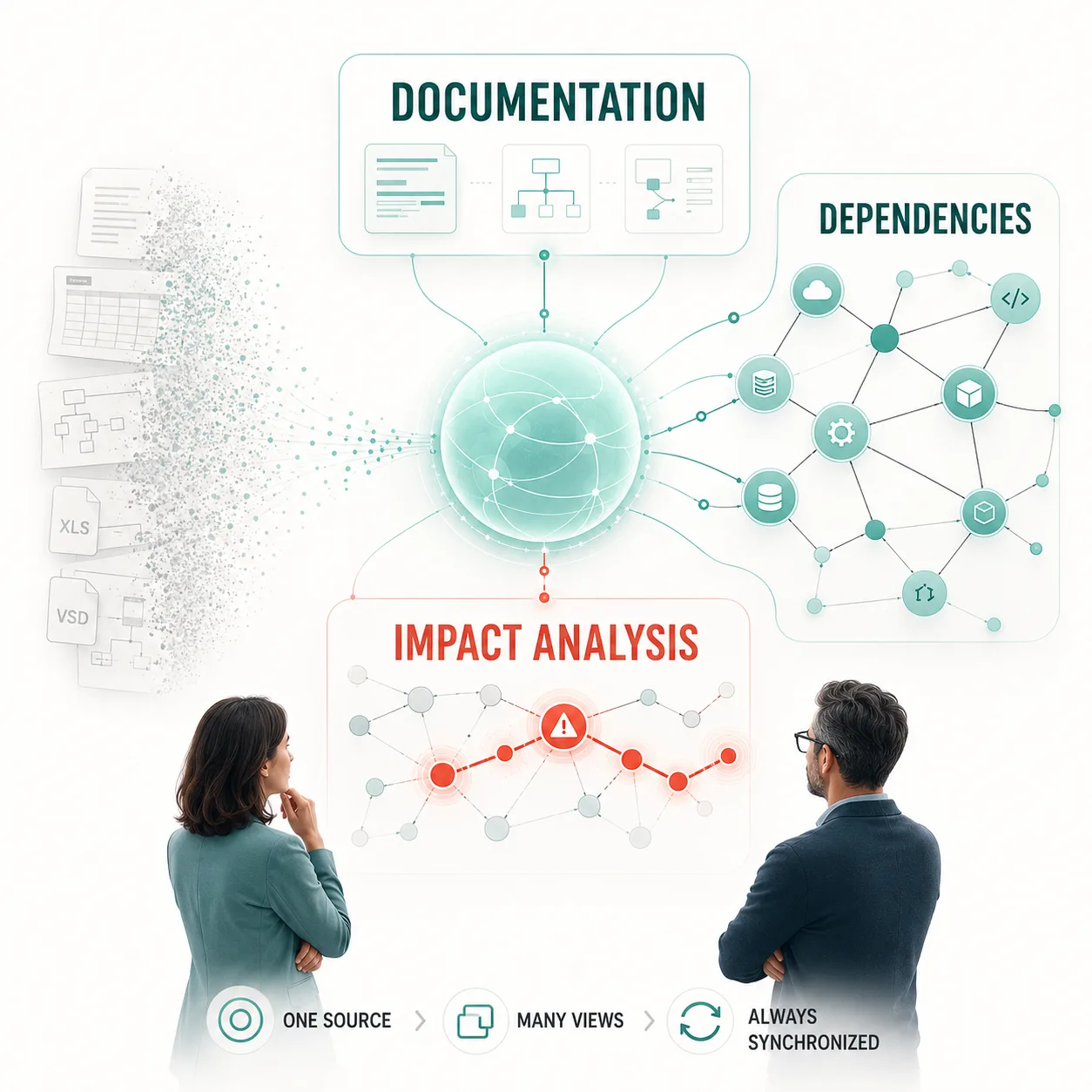
Mapify builds on Nodinite’s Repository Model. Dependencies, entities, and metadata aren’t drawn by hand — they’re generated from the same data you already document, so the map stays in sync with reality without the overhead of maintaining static diagrams.
As integration definitions evolve, the graph adapts automatically, giving everyone a single “source of truth” for how the landscape is structured. That’s especially valuable when replacing or modernizing systems, since you can visually confirm impact paths and required changes before you act.
Faster Troubleshooting and Root‑Cause Analysis
Mapify builds on Nodinite’s Repository Model. Dependencies, entities, and metadata aren’t drawn by hand — they’re generated from the same data you already document, so the map stays in sync with reality without the overhead of maintaining static diagrams.
As integration definitions evolve, the graph adapts automatically, giving everyone a single “source of truth” for how the landscape is structured. That’s especially valuable when replacing or modernizing systems, since you can visually confirm impact paths and required changes before you act.

Scales with Enterprise Complexity
Designed for enterprise environments, Mapify scales with your integration portfolio, whether you’re dealing with dozens of systems or hundreds of services. It brings together Monitoring, Repository Model, and BPM data into a single, cohesive view without performance trade-offs.
As your landscape grows and evolves, Mapify continues to deliver clarity and actionable insight. Turning complexity into a strategic advantage.
Let us show you how Nodinite can create value for you from the first day. Book a personal demo or start your free trial.