Alarm Plugins
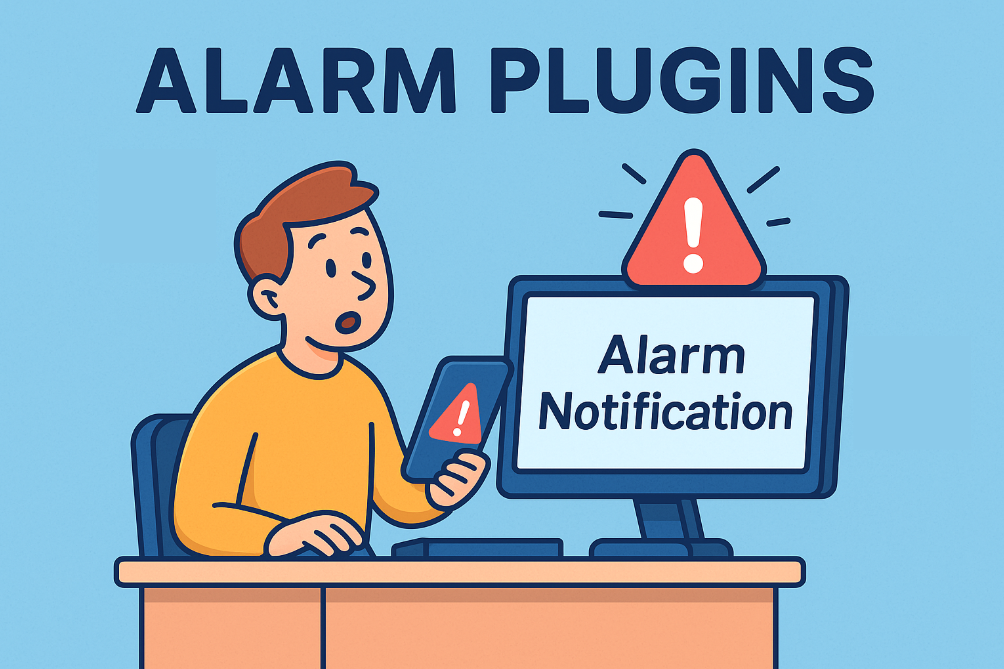
Alarm Plugins are configurable modules that send notifications or trigger actions when a monitoring condition occurs. When a monitored resource or view transitions, for example, from “OK” to “Error”, the Monitoring Service invokes any configured Alarm Plugins such as email, webhook, event log, to notify the appropriate stakeholders or downstream systems.
Feature Overview
Alarm plugins are centrally managed within Nodinite, enabling administrators to easily add, configure, test, delete, and restore various plugins based on both global and custom settings for different monitoring views. Users can test plugins directly from the Nodinite web client, ensuring that notifications are delivered as intended with full control and visibility over the configuration.














Automated Alerts Equals Instant Awareness
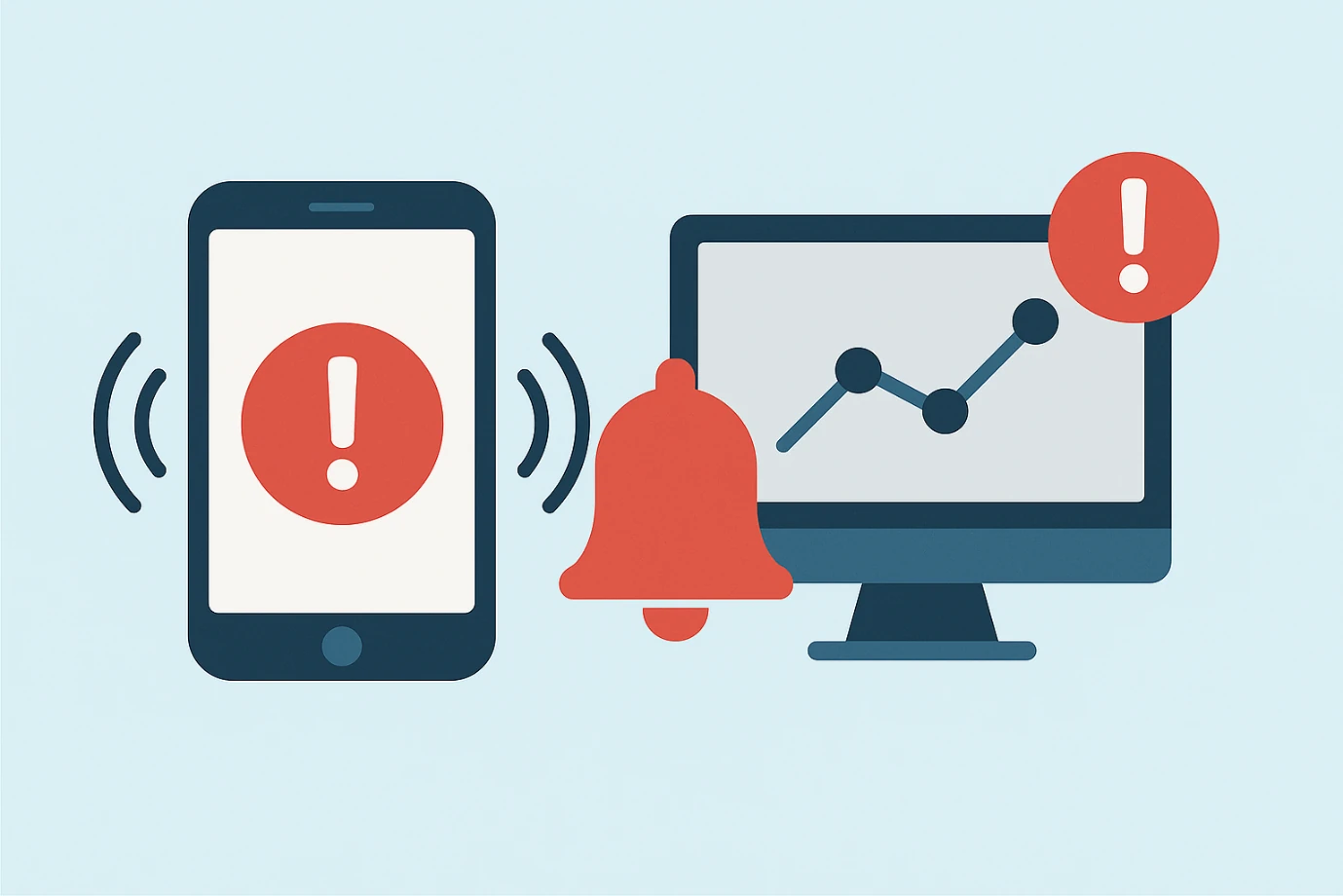
Alerts are delivered as soon as a relevant event occurs, enabling users or operations teams to act quickly rather than finding out only after the problem impacts them. Administrators can manage Alarm Plugins centrally and configure them either globally or at the level of specific Monitor Views for fine-grained control.
Timely and Targeted Notifications
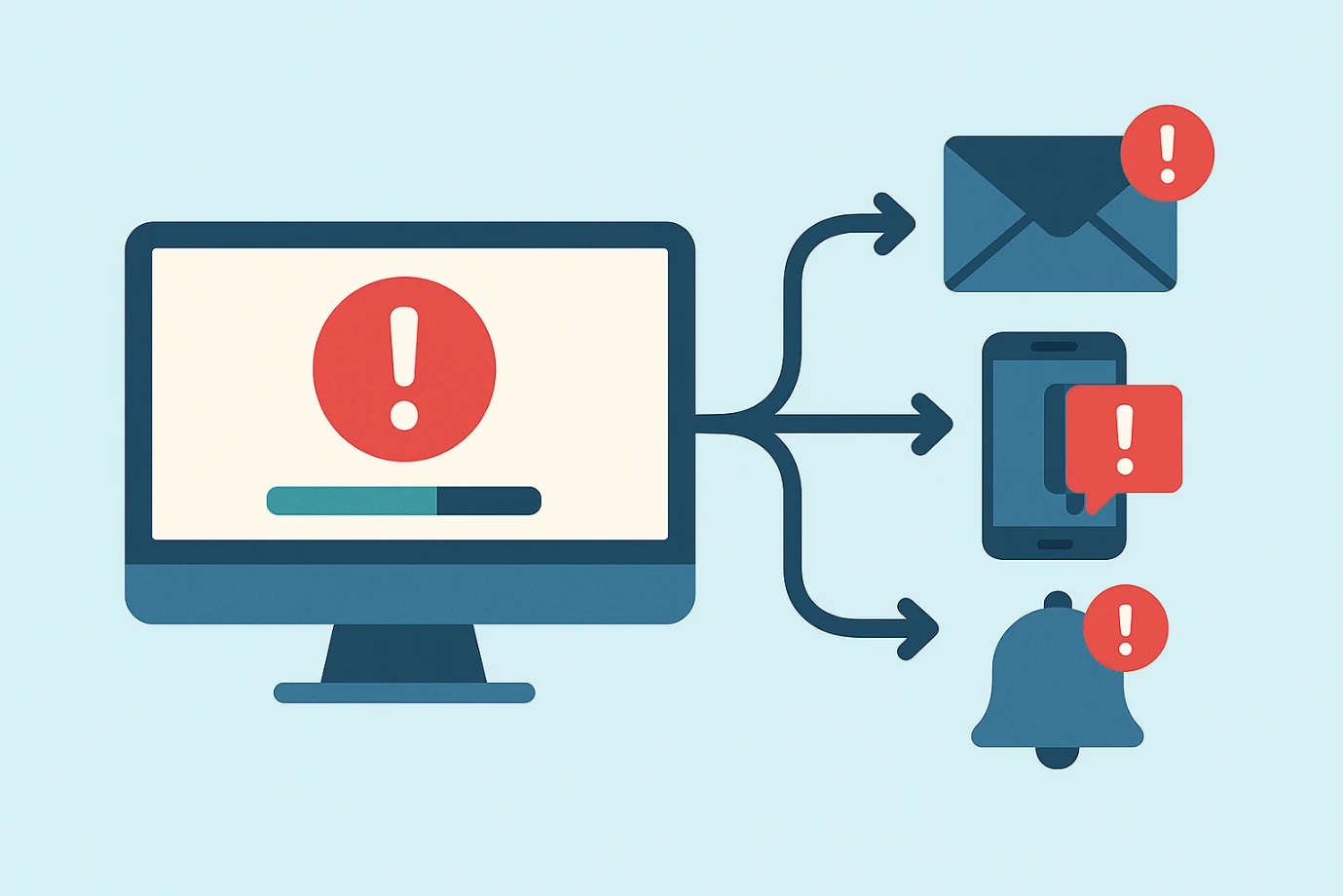
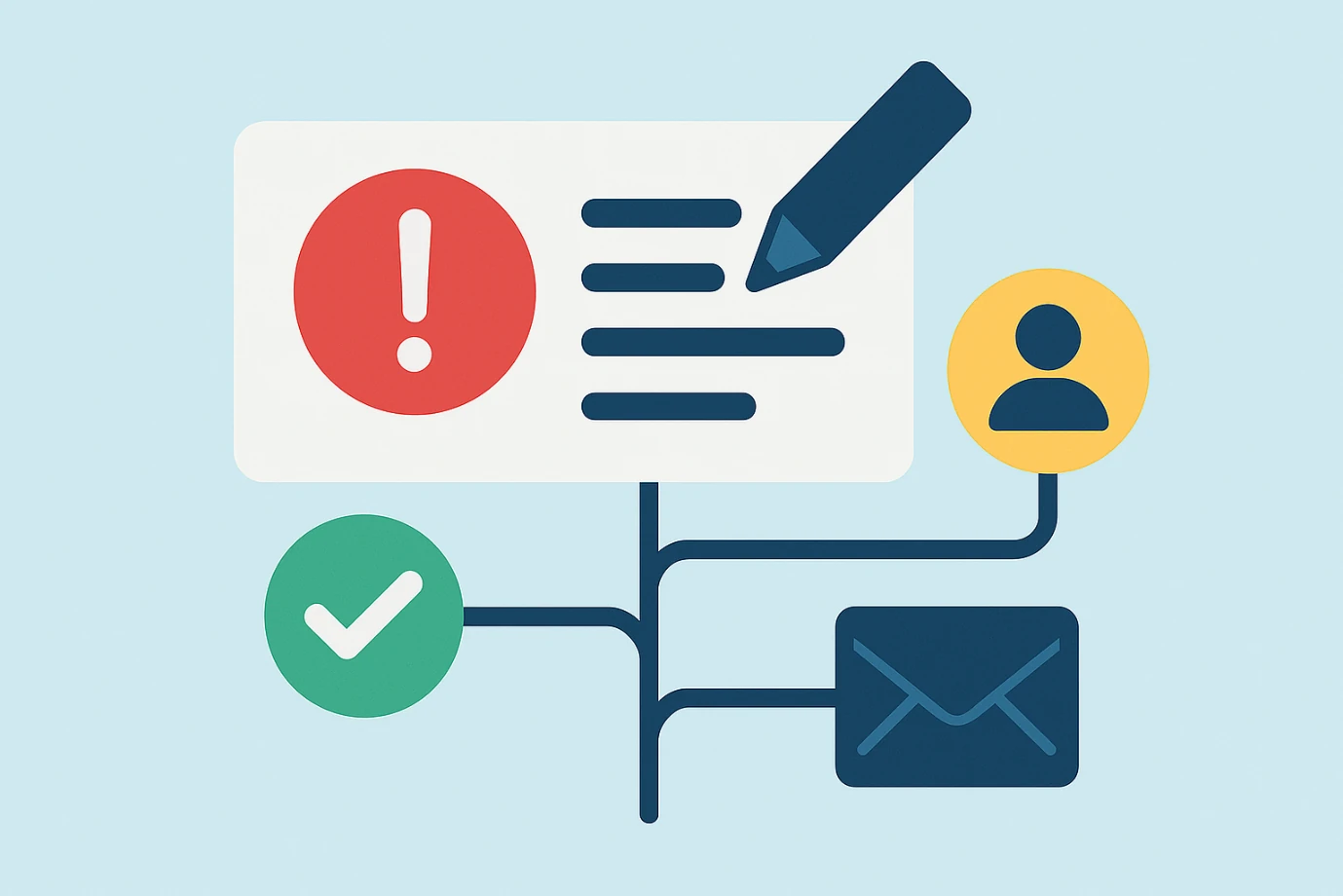
Because Alarm Plugins can be configured per Monitor View, only the right people get the right alerts. That prevents alert fatigue and helps users focus on what matters. It also supports multiple channels (email, webhook, event log, external systems), allowing users to receive notifications where they are most actionable.
Customizable Notifications
Users can tailor the look, content, and recipients of alerts, making them relevant and actionable for different roles and teams. Alarm Plugins can be adjusted as your integration landscape grows, so end users get consistent behaviour even when systems evolve.
Full Audit and Control
Alert actions are logged and auditable (via configuration and plugin invocation), helping both IT and business users trust that incidents are being managed properly. By delivering alerts rapidly, issues can be addressed before they escalate, reducing downtime and negative impacts on business users or customers.
Let us show you how Nodinite can create value for you from the first day. Book a personal demo or start your free trial.